
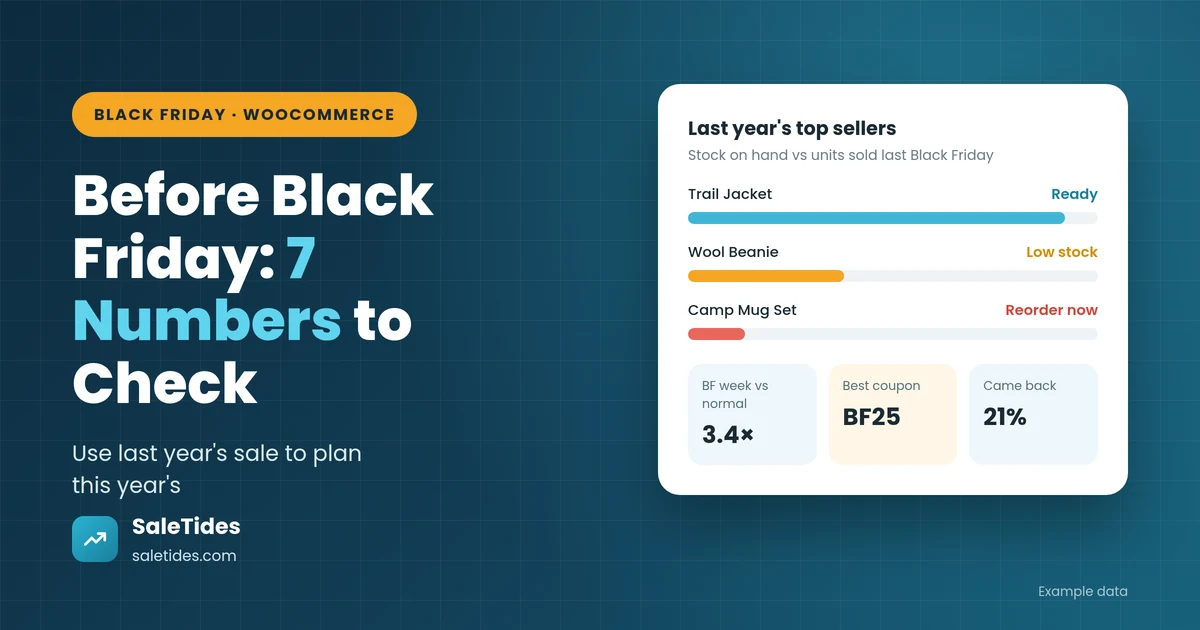
Black Friday is on November 27 this year, with Cyber Monday on the 30th. Most store owners spend the next two weeks on the visible stuff: banners, discount codes, email designs. The stores that do best usually start somewhere less exciting: last year’s order data.
Your last Black Friday already told you what sold out, which discounts worked, which ones just gave money away, and which customers came back. A couple of hours with those numbers now saves you from repeating last year’s mistakes at 9 a.m. on the busiest day of the year.
Here are seven numbers to check before the sale, in the order we’d check them.
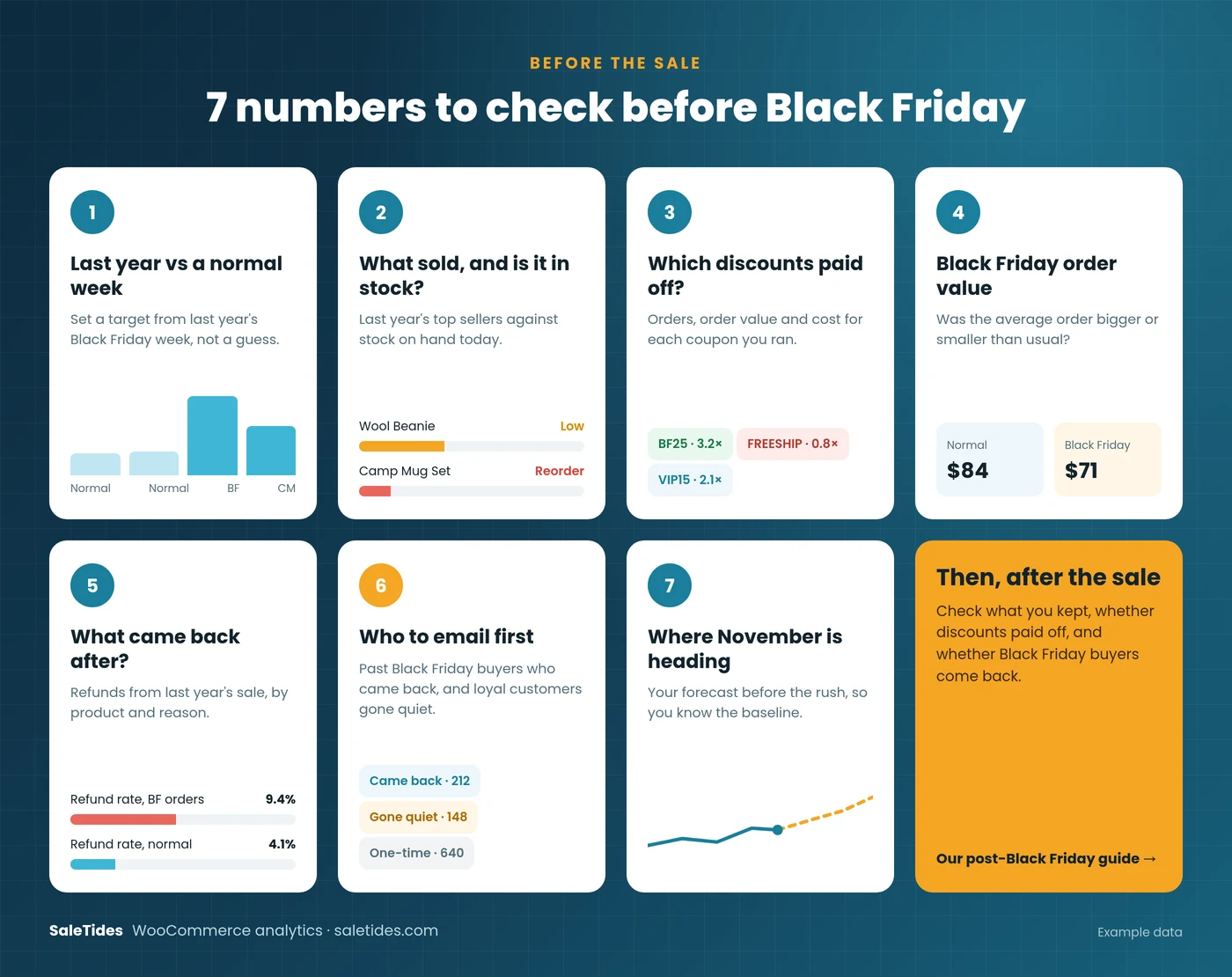
1. How big was last Black Friday, really?
Start by comparing last year’s Black Friday week (Monday, November 24 to Cyber Monday, December 1, 2025) with an ordinary week a month earlier. Look at orders and net revenue, not just gross sales.
That ratio is your planning number. If Black Friday week brought in 3× a normal week last year, you can plan stock, shipping and support time around something similar, adjusted for how the store has grown since. Without it, you’re guessing.
Use net revenue for this. Black Friday orders carry bigger discounts and more refunds than usual, so gross sales overstate how big the week really was. Gross vs Net Revenue explains the difference.
2. What sold last year, and is it in stock now?
Pull your top-selling products for last year’s Black Friday week, by units sold. Then put the stock you have today next to each one.
This is the check that matters most with two weeks to go. A product that sold 200 units last Black Friday and has 40 in stock today will sell out on Friday morning, and every visitor after that sees an “out of stock” page you paid to send them to. Two weeks is often still enough time to reorder. Five days usually isn’t.
To decide how much to reorder, start from last year’s units sold for each product, then adjust for how sales have changed since. If a product sells about 20% more a week now than it did last autumn, plan for roughly 20% more on Black Friday too. Leave room for your supplier’s own Black Friday delays: a reorder that normally takes a week can take two in late November.
Check variations as well as products. A jacket can look well stocked overall while the medium size, which sold out first last year, has five left.
Tip: also look at the products that sold well but not best. They’re the ones most likely to be under-stocked, because nobody thinks of them as bestsellers.
3. Which discounts paid for themselves?
Check how each coupon from last Black Friday did, and keep only the ones that brought in bigger orders or new customers. If a code mostly went to people who would have bought anyway, try a smaller discount with a minimum spend this year. Which WooCommerce Coupons Actually Make You Money? walks through the full calculation.
4. Were Black Friday orders bigger or smaller than usual?
Compare average order value during last year’s sale with a normal week. Plenty of stores find it went down: shoppers bought the one discounted item and left.
If that happened to you, plan something that lifts the basket: a free-shipping threshold just above your normal order value, a “buy two, save more” offer, or bundles of products people often buy together. 8 Ways to Increase WooCommerce AOV has more ideas.
5. What came back after the sale?
Check refunds on orders from last year’s Black Friday week, by product and by refund reason, and compare the refund rate with a normal month.
Sale orders often come back more. If one product had twice the usual refund rate, find out why before you discount it again: a sizing problem, a misleading photo or a description that oversells. Fixing the product page now is cheaper than processing the returns in December. How to Reduce WooCommerce Refunds covers the common causes.
6. Who should hear from you first?
Your best Black Friday audience is already in your customer list. Before the sale, pull three groups:
- Last year’s Black Friday buyers who ordered again afterwards. They liked what they got. Give them early access.
- Loyal customers who’ve gone quiet. People who used to order regularly but haven’t for a few months. Black Friday is a natural reason to get back in touch.
- Last year’s one-time Black Friday buyers. They came for the deal and didn’t return. They’ll probably come for the deal again, so don’t spend your best offer on them.
Cohort analysis tells you how big each group is. Group customers by the month of their first order, and see how many of last November’s new customers ever bought again. WooCommerce Cohort Analysis explains how to read it.
7. Where is November heading without the sale?
Finally, look at how the month is tracking so far and where it’s likely to end. That’s your baseline: what November would look like with no Black Friday at all.
You need it for two reasons. It tells you whether you’re going into the sale ahead of or behind last year. And after the weekend, it’s the number you compare against to see how much the sale actually added, rather than just moving purchases people would have made anyway.
Your pre-Black Friday checklist
- Compare last year’s Black Friday week with a normal week (net revenue and orders)
- List last year’s top sellers and check today’s stock for each
- Reorder anything likely to sell out, while there’s still time
- Review each coupon from last year and keep only the ones that paid off
- Plan one offer that lifts average order value
- Fix product pages for anything with a high refund rate after last year’s sale
- Build your early-access list from repeat Black Friday buyers and quiet loyal customers
- Note where November is heading, so you can measure what the sale really added
And once the weekend is over, How to Analyze Your Black Friday Results in WooCommerce covers what to check next.
Do it in minutes with SaleTides
You can do all of this with WooCommerce exports and a spreadsheet. Or connect your store to SaleTides and have it in one place: compare any date range with the same period last year, see top sellers next to stock levels with low-stock alerts, check every coupon’s results, filter refunds by product and reason, and track cohorts and your sales forecast. Everything is built from your WooCommerce orders automatically, with no plugin to install.
You can also just ask. The AI assistant answers questions like “What were my top 10 products last Black Friday week?” or “How did average order value last Black Friday compare with October?” from your own data. See 15 Questions to Ask AI About Your WooCommerce Sales for more.
Start your free 30-day trial now, so last year’s orders are imported and ready well before the sale. No credit card required.
