
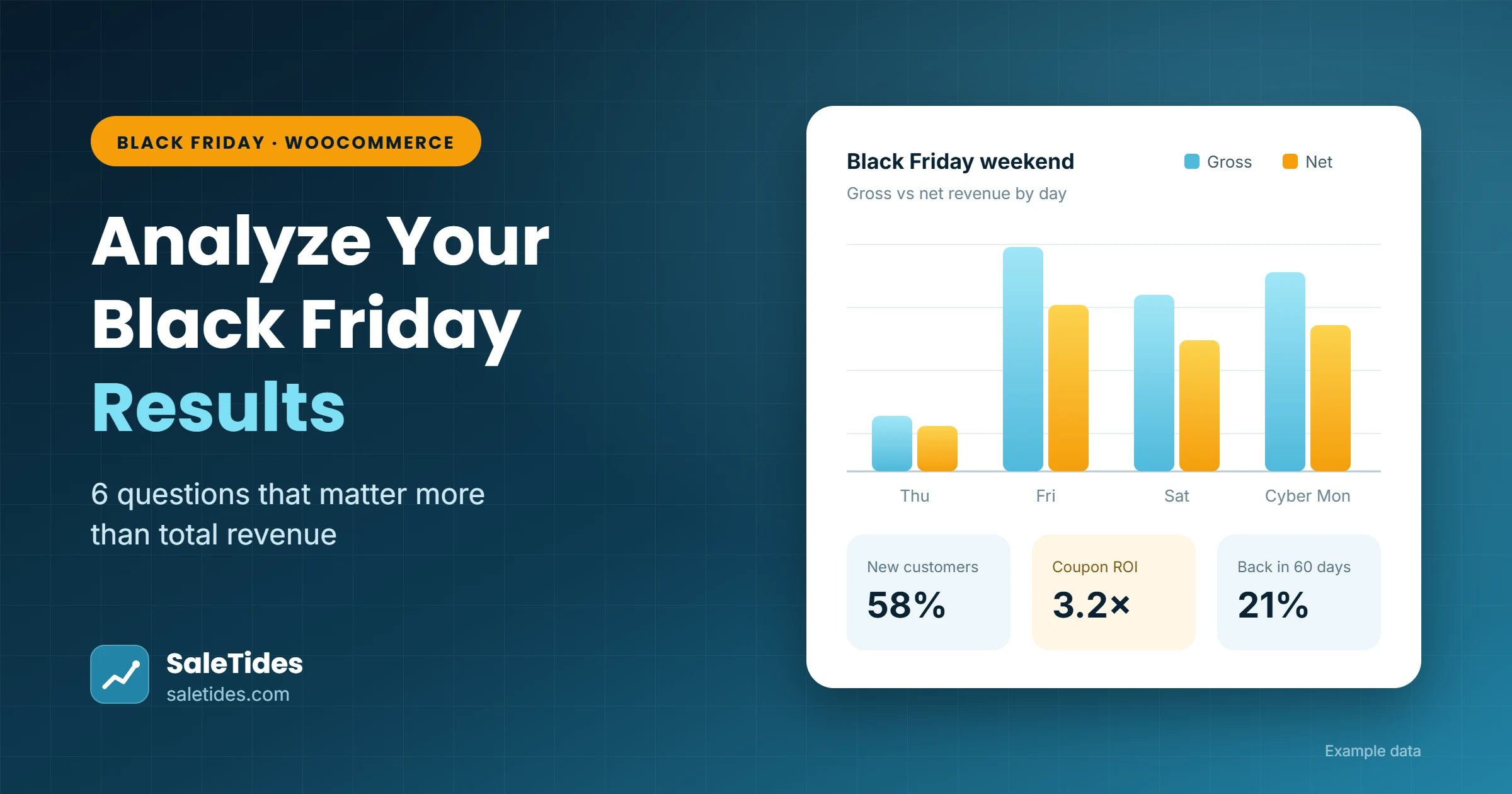
On Monday morning you’ll look at your WooCommerce dashboard, see the biggest sales weekend of the year, and feel good. That number is the least useful thing you’ll learn from Black Friday.
Revenue tells you how much came in. It doesn’t tell you whether your discounts paid for themselves, whether you won new customers or just gave your regulars money off, or whether any of those buyers will ever come back. Those answers decide what you do next year, and they’re all sitting in your order data.
Here are six questions to ask once the weekend is over, in the order we’d ask them.
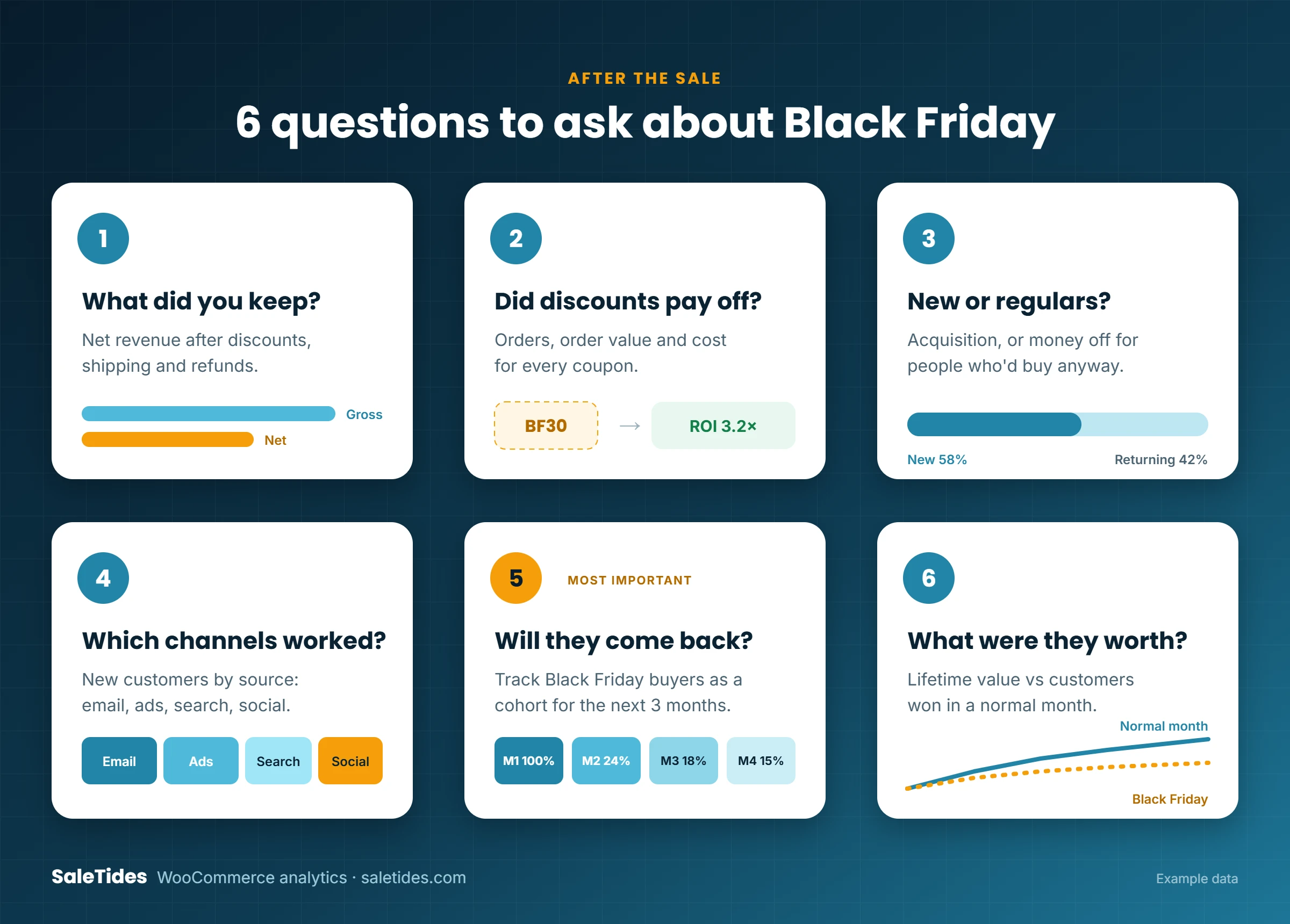
1. What did you actually keep?
Start with net revenue, not gross. Black Friday orders carry heavier discounts, more free shipping and, a few weeks later, more refunds and returns. A weekend that looks 3× bigger in gross sales can look very different once those come out.
Compare net revenue against the same weekend last year, and against an ordinary weekend this month. If you’re not sure where the two numbers diverge, we explain it in Gross vs Net Revenue: Why Your WooCommerce Sales Reports Might Be Lying to You.
Tip: check again in mid-December. Holiday returns arrive late, so the real number settles a few weeks after the sale.
2. Did the discounts pay for themselves?
For each Black Friday coupon, look at three things: how many orders used it, the average order value on those orders compared with orders without it, and the total discount you gave away.
A 30%-off code that lifted order value and brought in new customers is doing its job. One that mostly went to people who would have bought anyway just cost you margin. Which WooCommerce Coupons Actually Make You Money? walks through the full calculation.
3. Who bought: new customers or regulars?
Split Black Friday orders into first-time buyers and returning customers. Both are fine, but they mean different things.
- Mostly new customers: the sale worked as acquisition. The question now is whether they’ll stay (see question 5).
- Mostly returning customers: you rewarded loyal buyers, and probably pulled forward purchases they would have made in December at full price. Expect a quieter month.
4. Where did the buyers come from?
WooCommerce records the source of each order: email, paid ads, organic search, social, direct. Compare order count and revenue by source for the sale weekend.
The useful comparison is new customers by source. Your email list will drive lots of orders, but mostly from people who already know you. Paid and organic channels show where new customers came from. Where Do Your Best WooCommerce Customers Come From? explains how to read WooCommerce’s order attribution data.
5. Will Black Friday customers come back?
This is the question that matters most, and you can’t answer it on Monday. Start tracking it now.
Treat everyone whose first order was during the sale as a cohort. Over the next three months, watch what share of them order again, and compare that with customers you won in an ordinary month. Discount-driven customers often retain worse, but not always, and the gap tells you whether next year’s sale should be deeper, shallower or aimed at a different audience.
If cohorts are new to you, start with WooCommerce Cohort Analysis: How to See Which Customers Actually Come Back.
6. What was a Black Friday customer worth?
Finally, put a value on them. Lifetime value by cohort shows how much a Black Friday customer spends over the following months compared with your other customers. That number tells you how much you can afford to spend acquiring customers next November, and whether a deep discount was a smart investment or an expensive weekend.
Your post-Black Friday checklist
- Compare net revenue with last year’s sale and a normal weekend
- Calculate return on each coupon you ran
- Split orders into new vs returning customers
- Check new customers by traffic source
- Save Black Friday buyers as a cohort and check it monthly
- Send first-time buyers a follow-up within 30 days
- Re-check refunds and net revenue in mid-December
Do it in minutes with SaleTides
You can rebuild most of this with exports and spreadsheets. Or connect your store to SaleTides and get it in one place: net revenue, coupon performance, order attribution, cohorts and lifetime value, built from your WooCommerce orders automatically, with no plugin to install.
You can also just ask. The AI assistant answers questions like “How many Black Friday customers were new?” or “Which coupon brought in the highest order value?” from your own data. See 15 Questions to Ask AI About Your WooCommerce Sales for more.
Start your free 30-day trial before the sale starts, so your orders are imported and ready when you need them. No credit card required.
